
New release
A similar aspect, a completely new approach
Today we release a new version of the Thinger.io app.
In our constant effort to offer a transversal and polyvalent technology, we began offering an app console, in addition to the web console, focused on providing a simple checking interface for small projects: a few functionalities to check the status of some implementations, or to share devices with other users when the web console doesn't provide this option.
After its initial launch, we quickly began to receive requests to expand the application, with interesting suggestions such as logging, generating alerts through push notifications or even rebranding its appearance with commercial motives. Some of these functions have already been implemented in this release and others are in the development phase for a future launch since, as we explain below, we have reinforced this part of the project to turn it into a baseline for custom product interfaces, which allow end users to acquire and use a device easily and instantly, without performing any deployment operation.
In this way, developers who use Thinger.io in their IoT projects have a new tool at their fingertips to get connected products to their customers with lower development costs, whether they decide to use it directly or prefer to create their own app: all the code of this client is available in our GitHub repository, the perfect baseline to develop an ad hoc interface with most of the REST API work done.
Importing devices
A flexible importing method
When the application is newly installed it doesn't have access to any device, and we can feed it through different systems.
QR codes
The traditional method: QR codes created on the web console with a Device Token (more about Device Tokens in our documentation).
- Imports devices from different user accounts
- Slow to import a long list of devices
Account login
The main objective of this new release: login access to import the complete device list from a user account.
- Works even on private instances of the Thinger.io server
Clipboard
Also new: if the device token has been created on the smartphone, it is now possible to copy it and feed the app with it.

Device API
An agile way to work with the device API
The rest of the work has focused on improving the display and control functions, the main objective of this application.
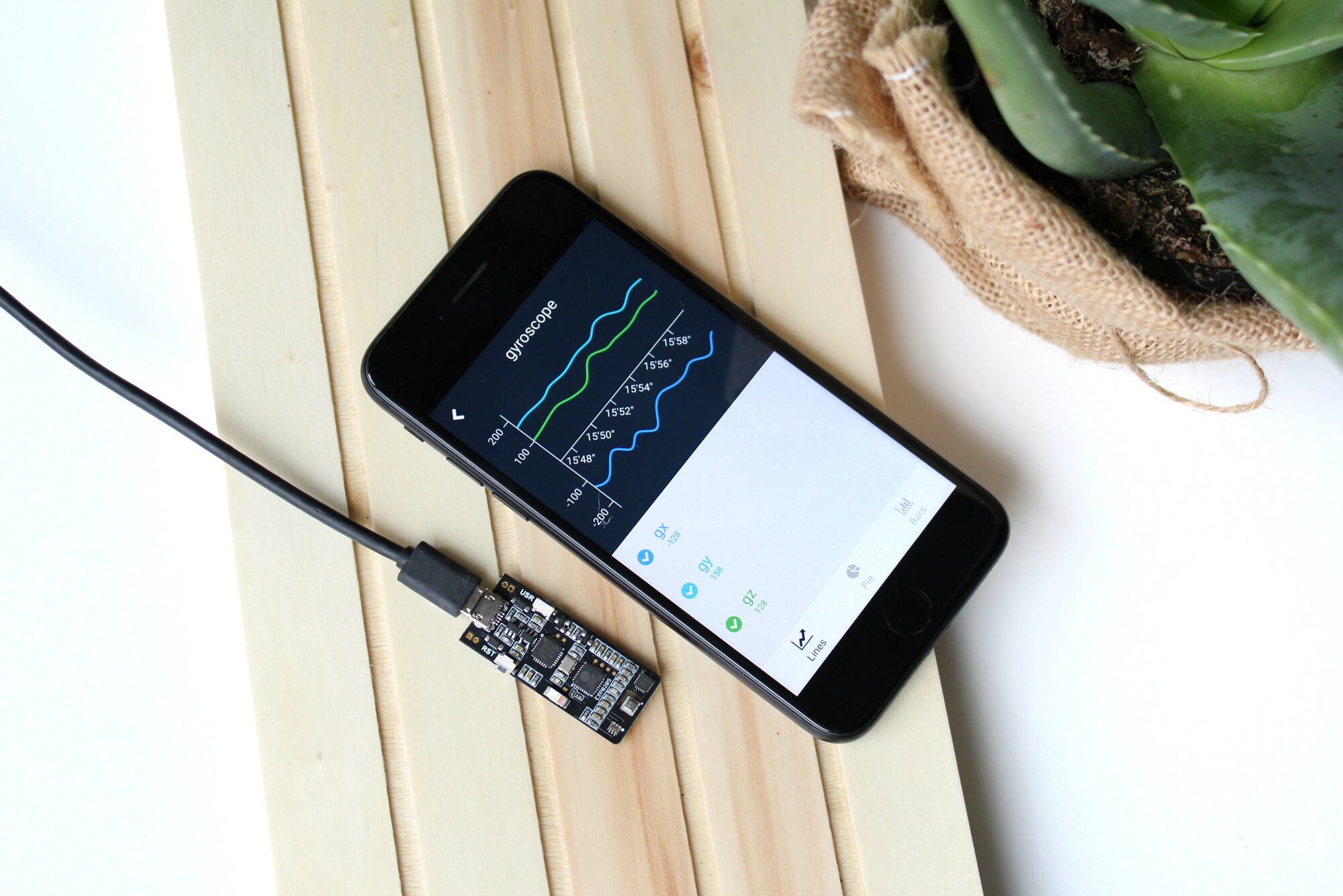
The app provides a simple interface to control the devices or visualize their data without creating custom dashboards. Once a device has been registered, the app analyzes its API and automatically builds visualization widgets suitable for the scale and data type. That is why these widgets cannot be modified in the app, and it is a great base to create custom IoT applications: all its programming is an Open Source project that can be forked from our GitHub repository to implement specific modifications.
Coming next
Push notifications and end-user registration
Soon we will be adding some new capabilities we are already working on, such as Push notifications to receive alerts from the platform, as well as others with commercial objectives, such as allowing end users to register devices and directly access an ad hoc interface.
The Thinger.io app today
The current app runs on Android and iOS and connects to the community server or to your own private instance.


