

Dashboards
Graphical interfaces in minutes, without coding
The dashboarding system is one of the best-known features of Thinger.io, as it lets you create graphical interfaces in a very simple way and without coding.
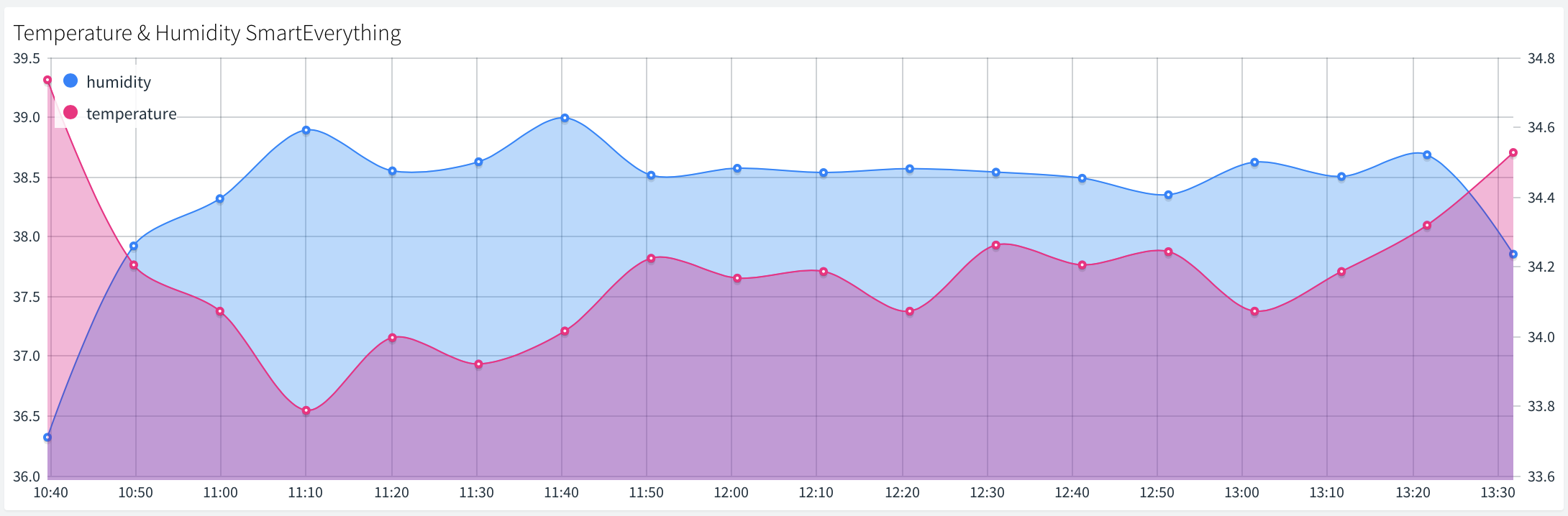
Just select widgets from an extensive list and arrange them with drag and drop, and the look and feel of the dashboard is configured within minutes. Small forms then manage what each widget does, so dashboards serve many purposes: visualizing real-time or historical data, but also controlling device functions and configuration, thanks to operating widgets such as buttons and sliders.

Release 2.9.8 brings a strong improvement of this feature. It increases the management capabilities for users creating large device deployments, and with them the scalability of the overall system, but it is also for developers who want to customize every aspect of these interfaces to their exact requirements. Let’s take a look at the main improvements.
Navigation
Dashboard templates and tabs
Two enhancements improve navigation between dashboards, to simplify their use in productive environments.
Templates
A dashboard can be configured as a template that dynamically chooses the device or data bucket that feeds its widgets.
- Resources and variables must use the same identifiers across devices or buckets.
- Enable it in the dashboard settings tab: a small tab appears in the upper right corner to choose the data source.
Tabs
Tabs group boards according to the logic of the project, and provide a simple way to move between them.

These features make special sense when dashboards are used to share information with other users or customers. That is easy with the project manager, presented in this previous post: it associates resources with a project and shares them with other user accounts. Projects are covered on the White label page.
Update, 2026: a source switcher repoints a widget dashboard to any device of the same type, and custom dashboards also work as a template per device or per product.
For developers
The dashboard configuration file
Thinger.io stores all the widget settings and behavior of each dashboard as a JSON file.
This release opens that file to the most advanced developers, in a tab of the “Settings” context. It is edited in a rich text editor that checks the file structure for errors. That is very useful for precise customizations, and it also allows operations that beginners will find interesting:
- Including the device ID in the title of a widget.
- Applying a custom CSS configuration.
- Choosing the order in which widgets are represented in the responsive format.
- Copying the configuration of a dashboard to apply its structure to others, which simplifies creating many similar dashboards.

Widgets
New widgets and features
HTML widget
Last-data counter
Pushbutton
The HTML widget becomes most useful in combination with other Thinger.io features, like the Node-RED or Grafana plugins. The Pushbutton is a widget whose request has been repeated a lot by users in the community.


Getting started
Free to use, stronger with premium features
All these features are available in the free version of the platform, just by registering with Thinger.io.
You get the most out of them in combination with other premium functionalities that are of great help in deploying business projects. If you want to learn more about how Thinger.io can help your company create IoT products, don’t hesitate to request a meeting with our team.
The rest of the improvements of this release are in the changelog: click the version number at the bottom of the console, or read the server changelog in the documentation.
Update, 2026: next to widget dashboards, custom dashboards are complete web apps that an AI agent builds through the Thinger.io MCP server. See Dashboards.
See what dashboards can do for your product
Tell us about your deployment and the team will show you the dashboards and the premium tools behind them.


